

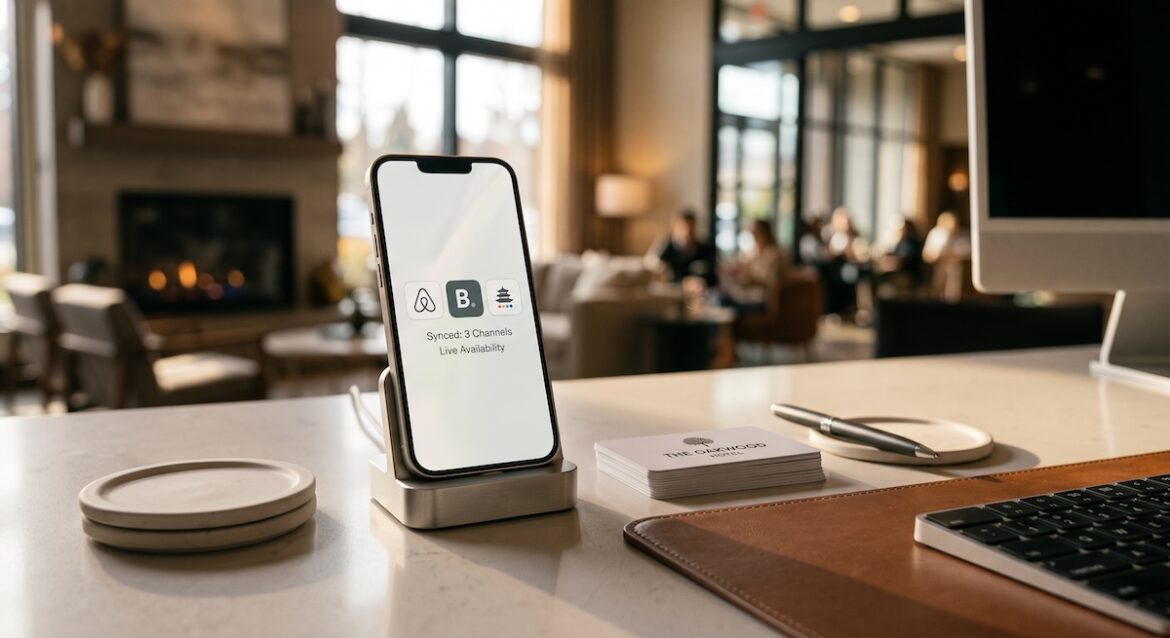
If you are still updating Airbnb, Booking.com, Agoda, and your own hotel website separately, you are working too hard and losing money. Every manual update is a chance for an overbooking, a missed rate change, or a guest booking a room that was already sold. For modern independent hotels, vacation rentals, and boutique properties, proper OTA integration is no longer optional.
Learning how to connect Airbnb, Booking.com and Agoda to your hotel website lets you manage everything from one place. Rates, availability, and reservations sync automatically in real time. You get more direct bookings, fewer errors, and full control over your inventory. Here is a practical, expert breakdown of the benefits and the exact integration steps to get set up correctly.
Why OTA Integration Pays for Itself Fast
A successful hotel channel manager setup does more than save time. It connects your property management system or booking engine to all your online travel agencies so they act as one system. When a guest books on Booking.com, your availability on Airbnb and Agoda drops instantly. When you change a weekend rate on your website, it pushes everywhere at once. This Airbnb Booking Agoda sync eliminates double bookings and rate mismatches, which are the top causes of bad reviews and OTA penalties.
The commercial benefits are even bigger. You can run a true multi-channel strategy without extra staff. List on high-demand OTAs for visibility while driving commission-free direct bookings through your website. A good OTA integration lets you apply smart pricing rules, like keeping your direct rate slightly lower, adding closed-to-arrival restrictions on OTAs during peak dates, or pushing mobile-only promotions. You reach more travelers across Asia on Agoda, global business travelers on Booking.com, and families and groups on Airbnb, all while your hotel website remains the source of truth.
- Prevent overbookings with real-time two-way availability sync across all channels
- Update rates, minimum stay, and promotions once and publish everywhere instantly
- Increase occupancy by staying visible on Airbnb, Booking.com and Agoda 24/7
- Grow direct bookings by keeping your website always accurate and bookable
- Save 10 to 15 hours per week on manual extranet updates and reservation entry
How to Connect Airbnb, Booking.com and Agoda in 5 Practical Steps
You do not connect the OTAs directly to each other. You connect them all through a central hotel channel manager linked to your hotel website booking engine. Think of the channel manager as the translator in the middle. Once it is set up, it handles all the Airbnb Booking Agoda sync for you. Most properties can go live in 3 to 7 days if listings are prepared correctly.
- Step 1: Choose your tech stack. You need a hotel website with a booking engine and a hotel channel manager that supports two-way API connections for Airbnb, Booking.com and Agoda. Confirm it supports pooled inventory, multi-room mapping, and currency and tax handling for your country. If you already have a PMS, make sure the channel manager integrates with it first.
- Step 2: Prepare and clean your listings. Make sure room names, bed types, max occupancy, photos, amenities, house rules, check-in times, and cancellation policies match across all platforms. Decide on your master room types. For example, Deluxe Double on your website should equal Deluxe Double Room on Booking.com, Deluxe Room on Agoda, and one Airbnb listing room. Clean mapping prevents 90 percent of sync errors.
- Step 3: Connect Booking.com and Agoda via the channel manager. In most channel managers, you will click Add Channel, select Booking.com or Agoda, log in with your extranet credentials, and authorize the connection. Then map each channel room and rate plan to your master rooms. Set your base rates, derived rates, and allotments. Enable two-way sync for availability, rates, restrictions, and reservations, then run a test booking.
- Step 4: Connect Airbnb correctly. Airbnb works differently because it is listing-based, not hotel-room-based. You will usually connect via Airbnb API in your channel manager, then link or import each Airbnb listing to the correct room type. Set your Airbnb pricing, cleaning fees, minimum stay, and check-in settings inside the channel manager, not in Airbnb, going forward. Verify that calendars, iCal blocks, and new reservations flow both ways.
- Step 5: Link your hotel website booking engine and go live. Connect your booking engine to the same inventory pool so your website has live availability. Test the full loop: create a test block on your website and check that it closes on all OTAs within minutes, then change a rate in the channel manager and confirm it updates everywhere. Set all channels to active only after mapping and pricing are verified.
During setup, pay close attention to rate plans and taxes. Agoda and Booking.com often display net versus gross rates differently, and Airbnb separates cleaning fees and service fees. Configure your hotel channel manager to send the correct sell rates for each OTA so your margins stay intact. Always do a final check of currency, occupancy surcharges, and child policies before opening inventory.
How to Keep Your Airbnb Booking Agoda Sync Running Smoothly
Once your OTA integration is live, maintenance is simple but important. Most sync failures happen because someone updates an extranet directly, changes a room name, or disconnects a credential. Make your channel manager the only place where availability and rates are changed. Put your OTAs in read-only mode for your team and train staff to never close dates in the extranets.
- Review your channel manager dashboard daily for failed updates, mapping errors, or unconfirmed reservations
- Keep a rate parity strategy with a small direct booking benefit like breakfast, early check-in, or flexible cancellation
- Sync promotions and closed-to-arrival rules across Airbnb, Booking.com and Agoda during festivals and high season
- Reconnect OTA credentials immediately if you change extranet passwords to avoid sync pauses
- Audit photos, descriptions, and reviews monthly to keep conversion high on every channel
Connecting Airbnb, Booking.com and Agoda to your hotel website is one of the highest ROI projects you can do this year. With the right hotel channel manager and clean setup, you will eliminate overbookings, sell more rooms with less work, and grow profitable direct bookings while still capturing OTA demand.
Need help setting it up right the first time. Our team can audit your listings, configure your OTA integration and Airbnb Booking Agoda sync, and get your website and channel manager fully connected without downtime. Contact us today for a free setup consultation and start syncing with confidence.